replication-config.json
In this part of the tutorial, you will build a Study Config for a replication study, public/tutorial/replication-config.json. The completed version is public/tutorial/_answers/replication-config.json. Use the completed version to check the step you just finished, not as something to copy all at once.
Before you start editing tutorial files, complete the Installation guide using the Starting from the Template Repository workflow.
Step 1: Run the local server and register the config
Start the local server from the root of your template repository:
yarn serve
Before editing the replication Study Config, open public/global.json. Add replication to configsList and configs.
{
  "$schema": "https://raw.githubusercontent.com/revisit-studies/study/v2.4.2/src/parser/GlobalConfigSchema.json",
  "configsList": ["tutorial", "replication"],
  "configs": {
    "tutorial": {
      "path": "tutorial/config.json"
    },
    "replication": {
      "path": "tutorial/replication-config.json"
    }
  }
}
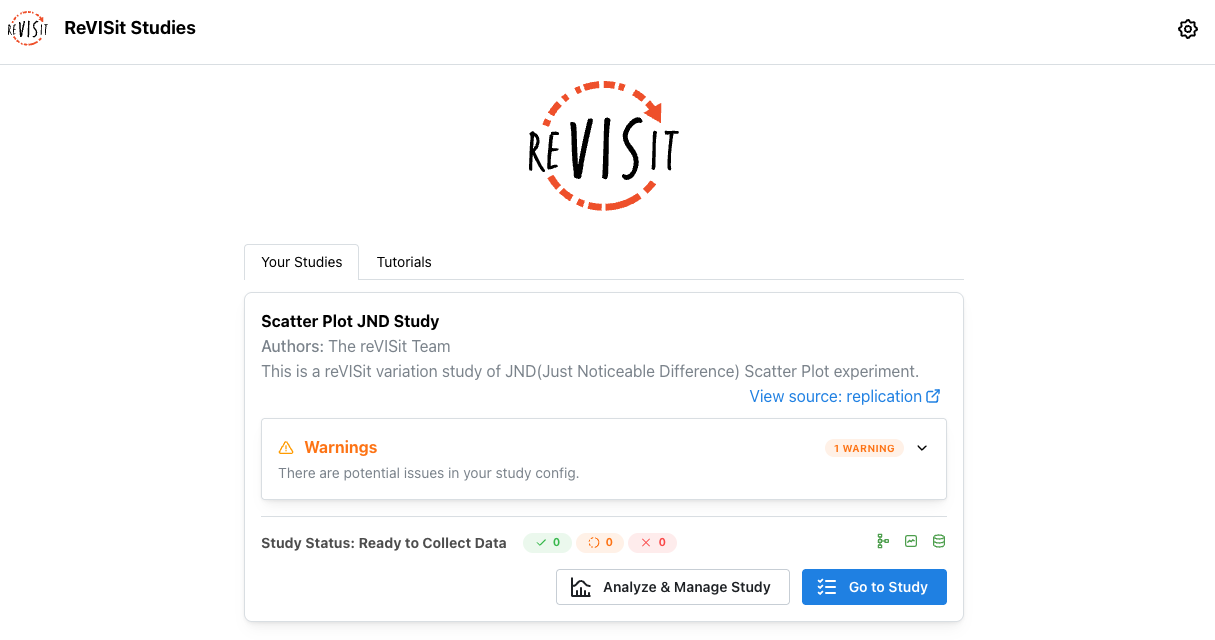
Open http://localhost:8080. You should now see the replication study listed.
Step 2: Add the reusable scatter plot base component
First, create the React wrapper that the Study Config will load. In src/public/tutorial/assets/replication/, add a file named ScatterWrapper.tsx.
import {
  Center, Group, Stack, Text,
} from '@mantine/core';
import { Scatter } from './Scatter';
import { StimulusParams } from '../../../../store/types';

/**
 * Holds 2 Scatter Plots
 * @param param0 - r1 is the correlation value for 1, r2 is the correlation value for 2.
 * @returns 2 Scatter Plots
 */
export default function ScatterWrapper({ parameters }: StimulusParams<{ r1: number; r2: number }>) {
  const { r1, r2 } = parameters;
  const r1DatasetName = `dataset_${r1.toFixed(1)}_size_100.csv`;
  const r2DatasetName = `dataset_${r2.toFixed(1)}_size_100.csv`;

  return (
    <Stack style={{ width: '100%', height: '100%' }}>
      <Text style={{
        textAlign: 'center', paddingBottom: '0px', fontSize: '18px', fontWeight: 'bold',
      }}
      >
        Please select the visualization that appears to have a larger correlation.
      </Text>
      <Text style={{
        textAlign: 'center', paddingBottom: '24px', fontSize: '18px', fontWeight: 'bold',
      }}
      >
        You can either click the buttons or use the left and right arrow keys.
      </Text>
      <Center>
        <Group style={{ gap: '40px' }} mb="md">
          <Scatter r={r1} datasetName={r1DatasetName} />
          <Scatter r={r2} datasetName={r2DatasetName} />
        </Group>
      </Center>
    </Stack>
  );
}
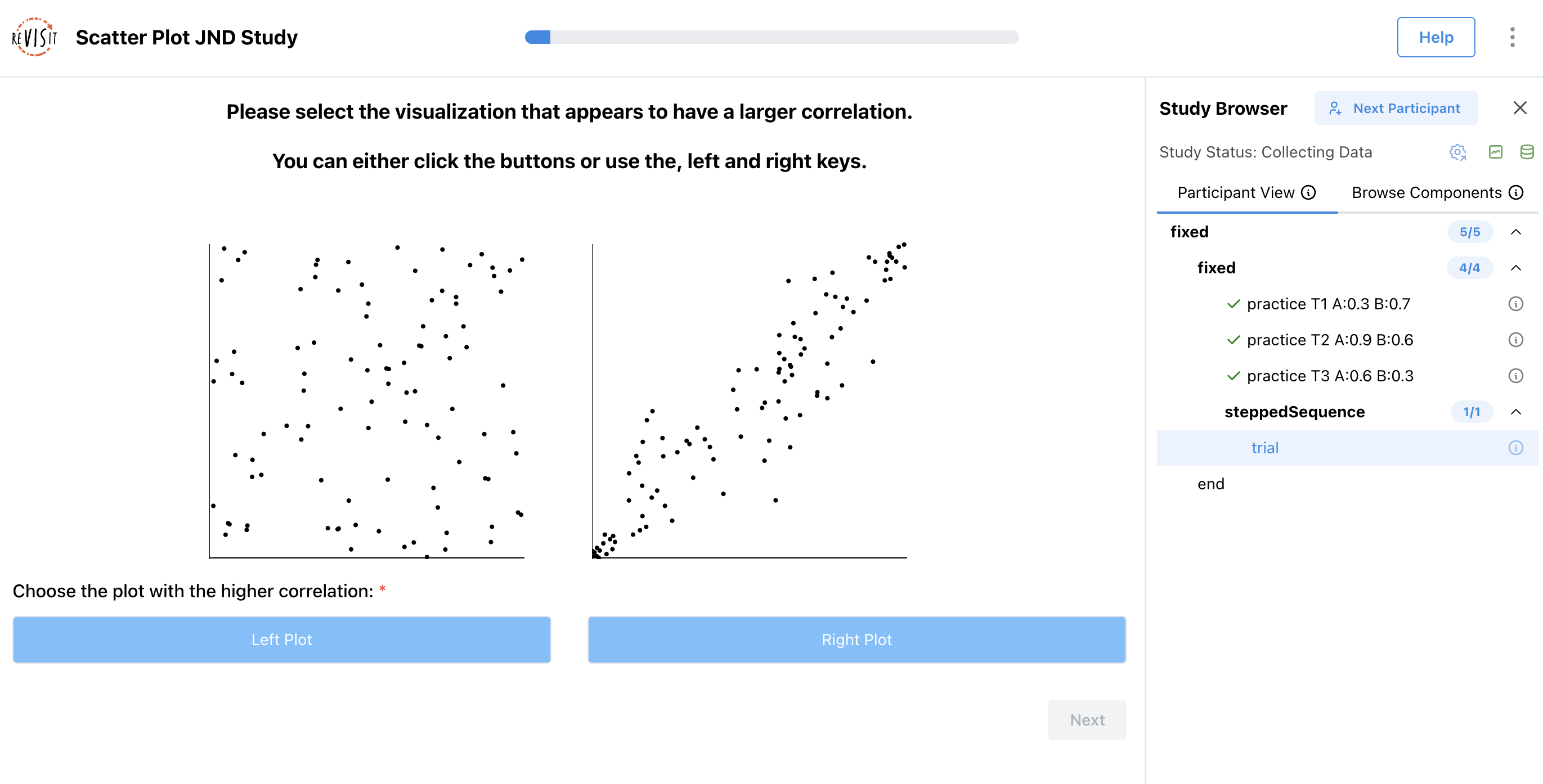
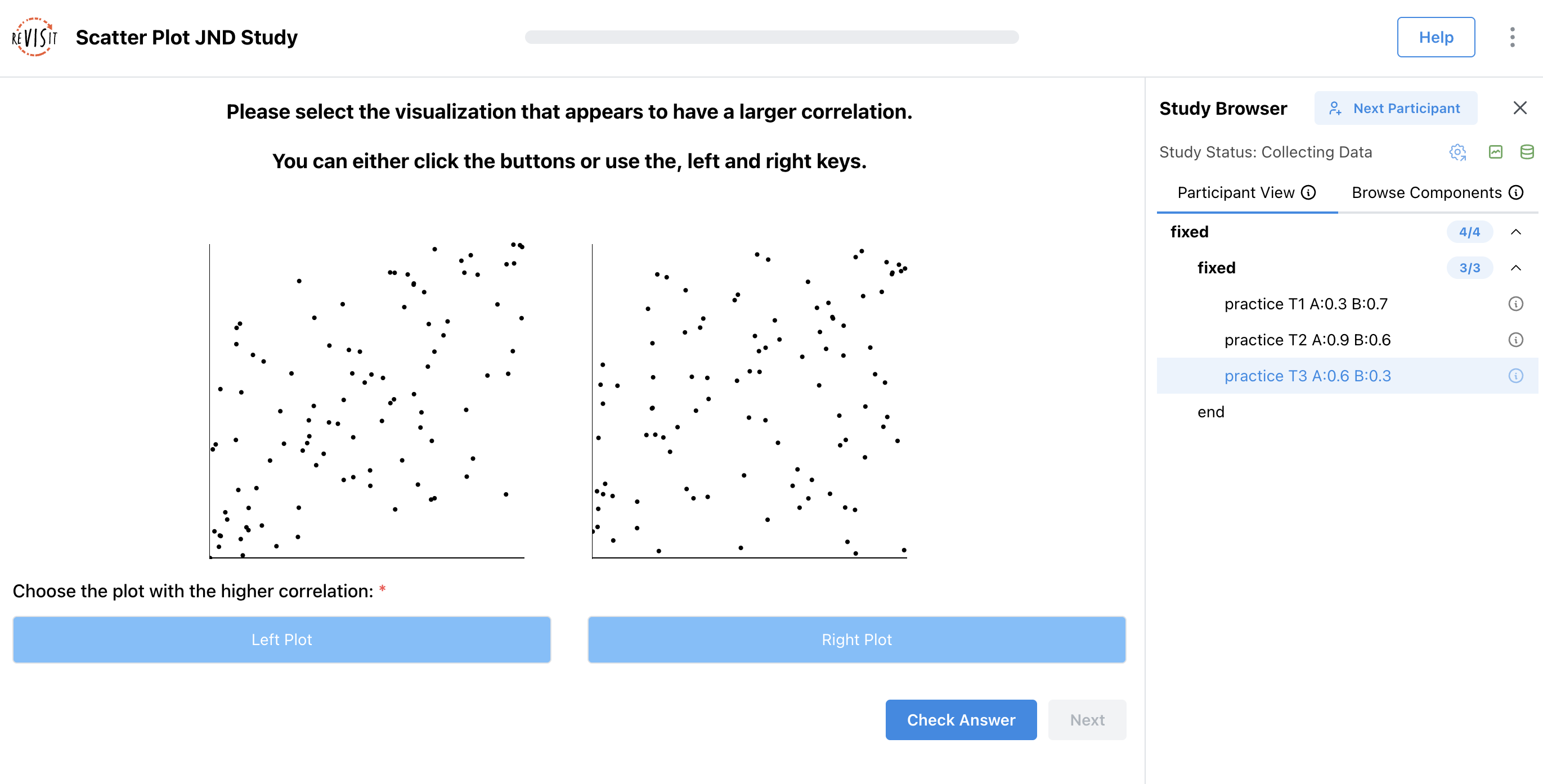
This wrapper reads r1 and r2 from the component parameters, turns them into dataset file names, and renders two scatter plots side by side.
Replace the empty baseComponents object with scatterBase.
"baseComponents": {
  "scatterBase": {
    "type": "react-component",
    "path": "tutorial/assets/replication/ScatterWrapper.tsx",
    "response": [
      {
        "id": "buttonsResponse",
        "type": "buttons",
        "prompt": "Choose the plot with the higher correlation:",
        "required": true,
        "location": "belowStimulus",
        "options": [
          {
            "label": "Left Plot",
            "value": "left"
          },
          {
            "label": "Right Plot",
            "value": "right"
          }
        ]
      }
    ]
  }
}
baseComponents are templates. They are not added to the sequence directly. Other components inherit from them via "baseComponent": "scatterBase" and override only the fields that change, usually parameters.
Step 3: Add the first practice trial
Replace the empty components object with the first practice trial.
"components": {
  "practice T1 A:0.3 B:0.7": {
    "baseComponent": "scatterBase",
    "parameters": {
      "r1": 0.3,
      "r2": 0.7
    },
    "correctAnswer": [
      {
        "id": "buttonsResponse",
        "answer": "right"
      }
    ],
    "provideFeedback": true
  }
}
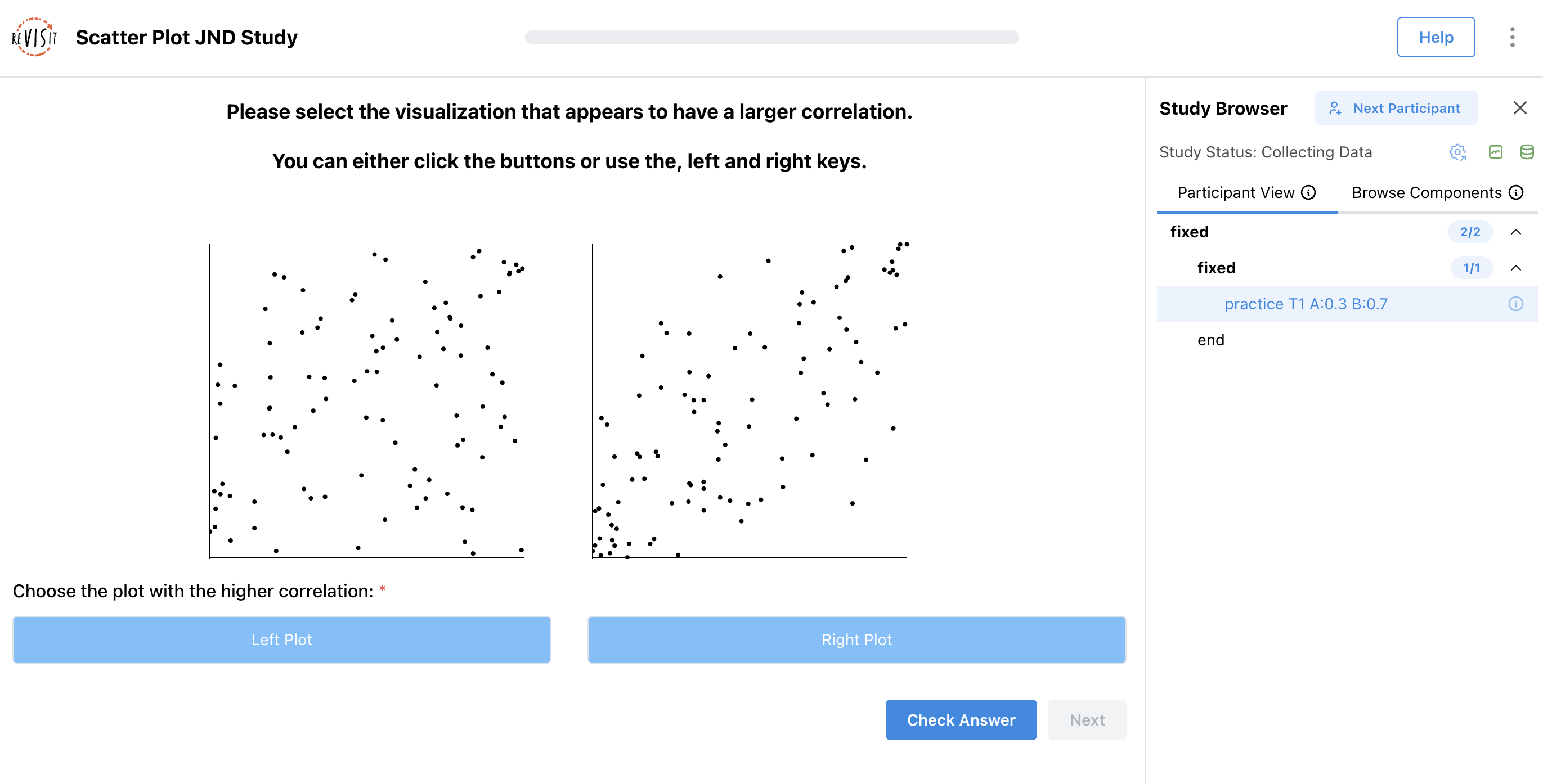
This trial inherits the stimulus and response from scatterBase. The parameters values tell the React component which correlations to show in the left and right plots.
For this practice trial, r2 is larger than r1, so the correct answer is "right". The id in correctAnswer must match the response id from the base component: buttonsResponse.
Add the first practice trial to the sequence:
"sequence": {
  "order": "fixed",
  "components": [
    {
      "order": "fixed",
      "components": [
        "practice T1 A:0.3 B:0.7"
      ]
    }
  ]
}
Step 4: Add the second practice trial
Add a comma after the first practice trial, then add the second practice trial.
"components": {
  "practice T1 A:0.3 B:0.7": { ... },
  "practice T2 A:0.9 B:0.6": {
    "baseComponent": "scatterBase",
    "parameters": {
      "r1": 0.9,
      "r2": 0.6
    },
    "correctAnswer": [
      {
        "id": "buttonsResponse",
        "answer": "left"
      }
    ],
    "provideFeedback": true
  }
}
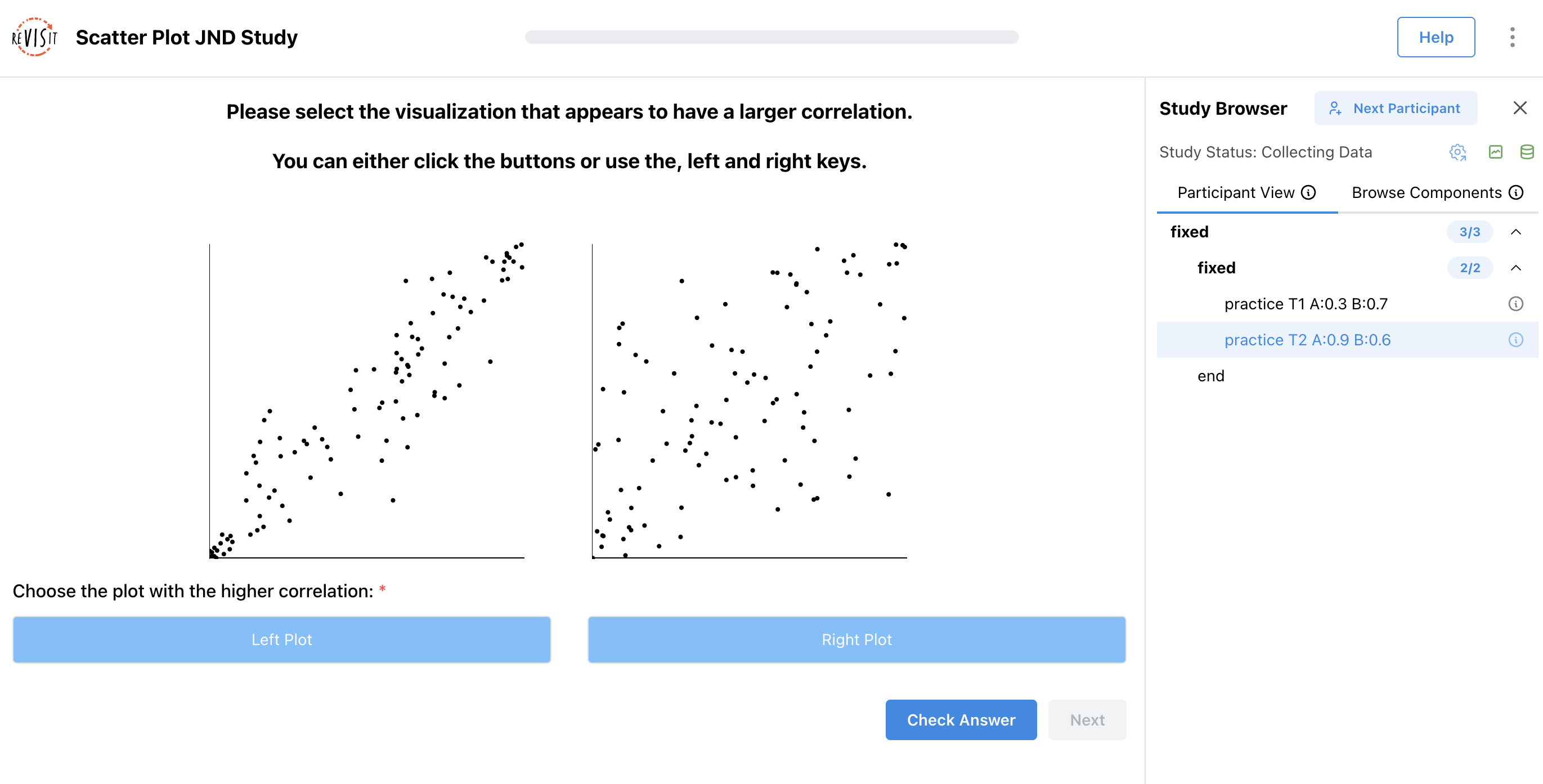
This trial uses the same base component, but with different correlation values. Here, r1 is larger than r2, so the correct answer is "left".
Add the second practice trial to the same fixed sequence block:
"sequence": {
  "order": "fixed",
  "components": [
    {
      "order": "fixed",
      "components": [
        "practice T1 A:0.3 B:0.7",
        "practice T2 A:0.9 B:0.6"
      ]
    }
  ]
}
Step 5: Add the third practice trial
Add the third practice trial after the second.
"components": {
  "practice T1 A:0.3 B:0.7": { ... },
  "practice T2 A:0.9 B:0.6": { ... },
  "practice T3 A:0.6 B:0.3": {
    "baseComponent": "scatterBase",
    "parameters": {
      "r1": 0.6,
      "r2": 0.3
    },
    "correctAnswer": [
      {
        "id": "buttonsResponse",
        "answer": "left"
      }
    ],
    "provideFeedback": true
  }
}
Again, this trial inherits from scatterBase. The left plot has the higher correlation, so the answer is "left".
Add the third practice trial to the sequence:
"sequence": {
  "order": "fixed",
  "components": [
    {
      "order": "fixed",
      "components": [
        "practice T1 A:0.3 B:0.7",
        "practice T2 A:0.9 B:0.6",
        "practice T3 A:0.6 B:0.3"
      ]
    }
  ]
}
All three practice trials use provideFeedback so participants can learn what the task is asking before the study moves into the dynamic trial section.
Step 6: Add the dynamic JND block
First, create the dynamic block function. In src/public/tutorial/assets/replication/, add a file named JNDDynamic.tsx.
import { JumpFunctionParameters, JumpFunctionReturnVal, StoredAnswer } from '../../../../store/types';

const findLatestTrial = (allDynamicAnswers: StoredAnswer[]) => {
  const trials = allDynamicAnswers
    .sort((a, b) => parseInt(a.trialOrder.split('_').at(-1) || '0', 10) - parseInt(b.trialOrder.split('_').at(-1) || '0', 10));

  return trials.at(-1)!;
};

export default function func({ answers }: JumpFunctionParameters<{ r1: number, r2: number, counter: number }>): JumpFunctionReturnVal {
  const allDynamicAnswers = Object.values(answers)
    .filter((answer) => answer.componentName === 'trial');

  // First trial
  if (allDynamicAnswers.length === 0) {
    return {
      component: 'trial',
      parameters: {
        r1: 0.1,
        r2: 0.9,
      },
      correctAnswer: [{ id: 'buttonsResponse', answer: 'right' }],
    };
  }

  if (allDynamicAnswers.length === 9) {
    return { component: null };
  }

  const latestTrial = findLatestTrial(allDynamicAnswers);

  const right = latestTrial.parameters.r2 === 0.9;

  const approachingValue = right ? latestTrial.parameters.r1 + 0.1 : latestTrial.parameters.r2 + 0.1;

  const r1 = right ? 0.9 : approachingValue;
  const r2 = right ? approachingValue : 0.9;

  return {
    component: 'trial',
    parameters: {
      r1,
      r2,
    },
    correctAnswer: [{ id: 'buttonsResponse', answer: right ? 'left' : 'right' }],
  };
}
This function looks at the participant's previous dynamic trial answers. It starts with a large correlation difference, then moves the smaller correlation closer to 0.9 until the dynamic block has shown nine trials.
Then, inside the nested fixed block, add the dynamic block after the three practice trials.
"sequence": {
  "order": "fixed",
  "components": [
    {
      "order": "fixed",
      "components": [
        "practice T1 A:0.3 B:0.7",
        "practice T2 A:0.9 B:0.6",
        "practice T3 A:0.6 B:0.3",
        {
          "order": "dynamic",
          "id": "steppedSequence",
          "functionPath": "tutorial/assets/replication/JNDDynamic.tsx",
          "parameters": {}
        }
      ]
    }
  ]
}
The dynamic block calls the function at tutorial/assets/replication/JNDDynamic.tsx. That function decides what trial comes next and can pass parameters and correctAnswer into the next generated trial.